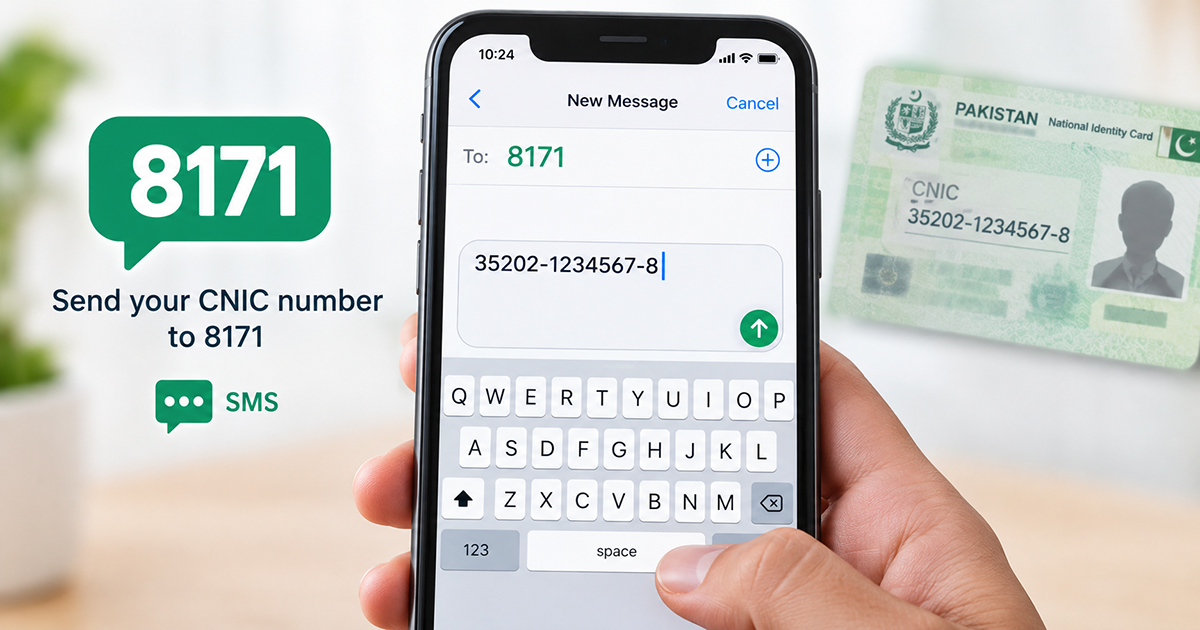
Quick answer: To run an 8171 SMS check, type your 13-digit CNIC number with no dashes and no spaces and send CNIC to 8171, then wait for the automated reply. No internet is required — the BISP SMS service works on any mobile phone that has a network signal.
Not everyone checking their BISP status has a smartphone or a stable internet connection nearby. That is exactly why the 8171 SMS check exists: a simple text-based method that confirms your Ehsaas or BISP eligibility using nothing more than a basic mobile phone. If you can send a text message, you can send CNIC to 8171 and get an answer within minutes.
This guide walks you through the exact message format, what every BISP SMS service reply means, and what to do when nothing comes back. Last reviewed: September 2026.
On this page:
- What the 8171 SMS check is
- Why use it instead of the web portal
- How to send CNIC to 8171 (step by step)
- BISP SMS service replies explained
- No reply? Troubleshooting
- SMS check vs online portal
- Staying safe from 8171 fraud
What Is the 8171 SMS Check? (BISP SMS Service Explained)
The 8171 SMS check is the text-message route for confirming whether a CNIC is registered and eligible under the Benazir Income Support Programme. 8171 is the short code used for BISP status enquiries. When you send CNIC to 8171, the system matches your number against the NSER survey database and replies with your current status.
You will see this same system called the BISP SMS service, the Ehsaas 8171 message service, or simply “8171 message check”. They all point to the same short code and return the same result, so there is no separate number to remember.
Because it runs over the ordinary text network rather than mobile data, it works on 2G, on feature phones, and in places where a web page will not load at all. That makes it the most widely available status method in rural Pakistan. If you do have internet access, our 8171 CNIC check guide covers the online route in detail.
Why Use the 8171 SMS Check Instead of the Web Portal
Many applicants live in areas with weak or no internet coverage, or simply do not own a device that can load a web portal. This method solves that by working over the standard mobile network that almost every connection supports, even on an old 2G handset.
It is also quicker in some situations. There is no page to load, no form to fill in, and no slow connection to time out halfway through. You send CNIC to 8171 once and wait for the reply.
This method is the best choice for:
- People in rural or low-connectivity areas
- Anyone using a basic, non-smartphone handset
- Quick eligibility checks without opening a browser
- Backup verification when the 8171 payment status portal is temporarily down or overloaded
How to Send CNIC to 8171: Step-by-Step Message Format
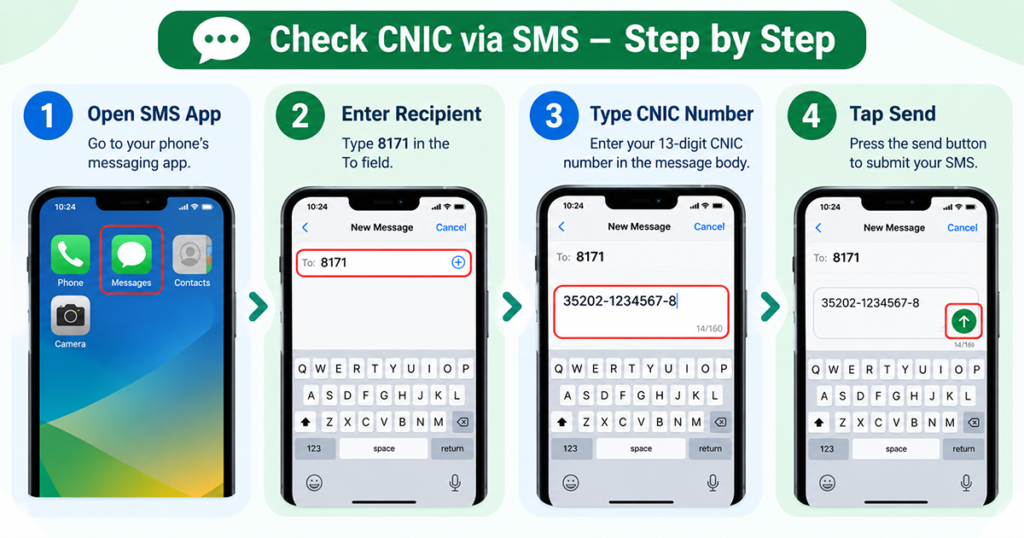
To send CNIC to 8171, follow these steps exactly. The format matters — an incorrectly typed message usually produces no reply at all, or an error response.
- Open the messaging app on your phone.
- Type your 13-digit CNIC number with no dashes and no spaces (for example: 3520112345678).
- Enter 8171 as the recipient number.
- Send the message over your normal network — no internet connection is required.
- Wait for the reply. It usually arrives within a few minutes, though it can take longer during high-traffic periods.
Here is the same format at a glance, so you can send CNIC to 8171 correctly the first time:
| Field | What to enter | Example |
|---|---|---|
| Message body | 13-digit CNIC, digits only | 3520112345678 |
| Send to | The 8171 short code | 8171 |
| Internet needed | No — SMS network only | Works on 2G |
| Cost | Your operator’s standard SMS rate | No extra BISP fee |
| Typical reply time | A few minutes | Up to 1 hour at peak |
Common Mistakes When You Send CNIC to 8171
- Do not add the word “CNIC”, “BISP” or any other text before the number — send the digits only.
- Do not include dashes. 35201-1234567-8 will not be recognised; 3520112345678 will.
- Use the CNIC of the registered applicant, not a family member’s, or the system will report a mismatch.
- Standard SMS charges from your mobile network may apply; BISP itself charges nothing.
- Send from a SIM that is registered and has outgoing SMS enabled — blocked outgoing SMS is a common silent failure.
BISP SMS Service Replies: How to Read Your Answer
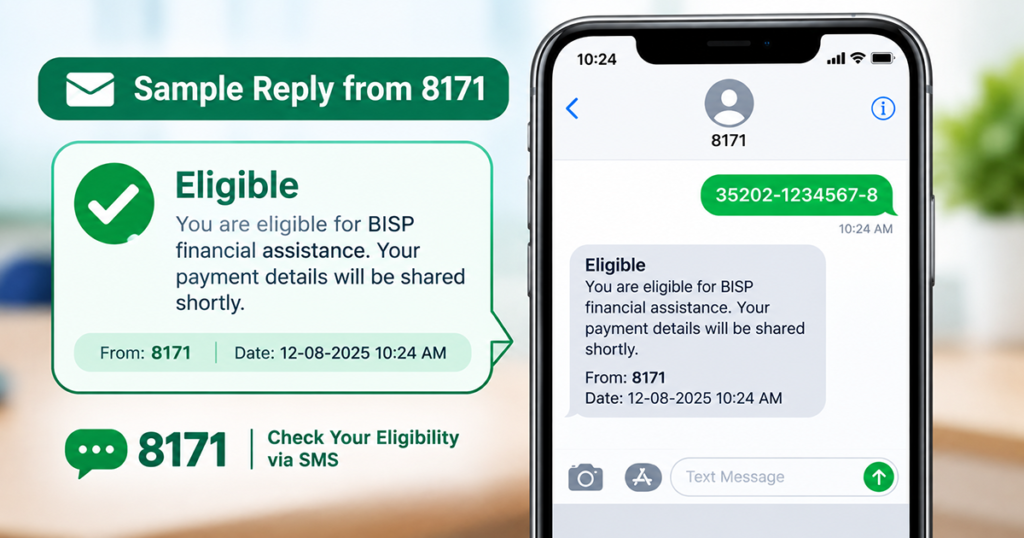
Once the system processes your message, you will receive an automated SMS reply. Here is how to interpret the responses the BISP SMS service sends most often:
| Reply | What it means | What to do next |
|---|---|---|
| Eligible | Your CNIC matches an approved beneficiary record, usually with a payment amount or programme name. | Check the BISP installment amount and payment schedule. |
| Not Eligible | Your household did not meet the current criteria in the latest survey data. | Read how your PMT score is calculated. |
| Re-Survey Required | Your data must be updated before a status can be confirmed. | Book a BISP dynamic survey to update your NSER record. |
| Invalid CNIC / record not found | The number you sent does not match any record, usually a typo. | Follow our 8171 CNIC not found fix. |
| Eligible but no payment yet | You are approved, but the installment has not been released to you. | See what to do when 8171 payment is not received. |
Keep the reply message on your phone until your status is fully resolved. It is useful as a reference if you later need to visit a Tehsil office or a BISP campsite.
No Reply After You Send CNIC to 8171? Troubleshooting
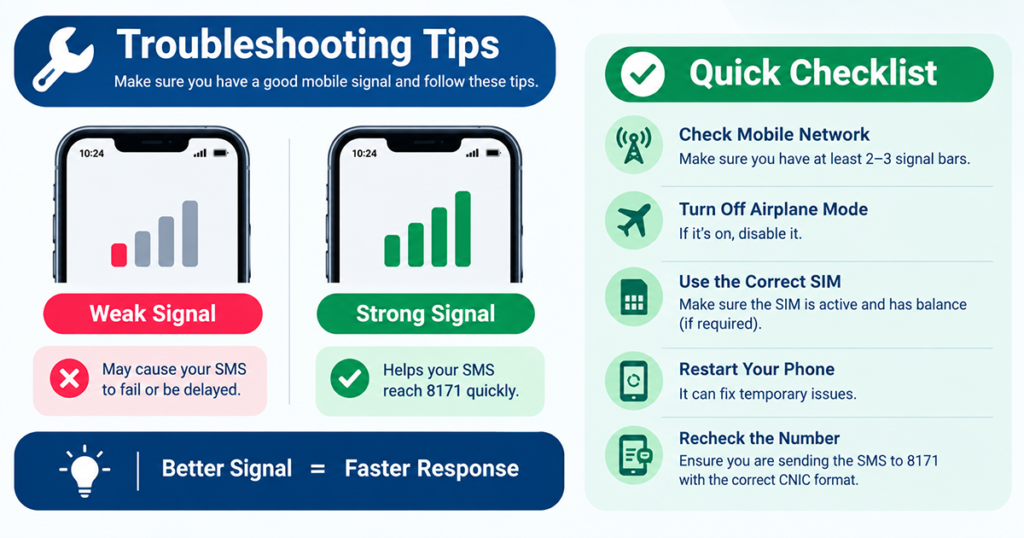
If your 8171 SMS check gets no response, work through these checks before sending the message again:
- Confirm the CNIC digits. Recount all 13 digits — one wrong digit causes a failed or invalid response.
- Check your network signal. SMS delivery can fail silently on a weak signal even when the message shows as “sent”.
- Check your balance. A zero balance on a prepaid SIM will block the outgoing message entirely.
- Wait before resending. The system slows down at peak hours; allow 15–30 minutes before trying again.
- Try a different operator’s SIM if you have access to one, since some regional network issues affect specific operators more than others.
- Use the web portal as a backup. If SMS keeps failing, run an online 8171 CNIC check instead, even briefly at a friend’s house or a local shop.
8171 SMS Check vs the Online Portal: Which Should You Use?
| Comparison | 8171 SMS check | Online 8171 portal |
|---|---|---|
| Internet needed | No | Yes |
| Device needed | Any phone that sends SMS | Smartphone or computer |
| Speed | Minutes (longer at peak) | Instant when the portal is up |
| Detail returned | Short status message | Fuller status and payment detail |
| Best for | Rural areas, feature phones | Anyone with stable data |
Most people use both: the text route for a fast answer on any handset, and the portal when they want more detail about a payment. Trying the text route first costs nothing but one message.
Staying Safe: Use Official 8171 Channels Only
The only number you ever need is 8171. BISP does not ask for a fee to check eligibility, and no genuine reply will ask you to share a bank PIN, an OTP, or an easy-paisa code. Treat any message asking for money or a code as fraud, no matter how official it looks.
You can confirm current programme rules and announcements on the official Benazir Income Support Programme website before acting on anything you receive by SMS.
If your result is not what you expected, do not pay an agent to “fix” it. Every correction route — re-survey, CNIC update, complaint registration — is free through BISP’s own offices.
8171 SMS Check: Key Takeaways
- Send CNIC to 8171 as 13 digits only — no dashes, no spaces, no extra words.
- The system needs no internet, so an old handset on 2G is enough.
- Read the reply carefully: “Eligible”, “Not Eligible” and “Re-Survey Required” each need a different next step.
- No reply usually means a typo, a weak signal, a zero balance, or peak-hour load — wait 15–30 minutes, then try once more.
- The service is free of any BISP fee; only your operator’s normal text rate applies.
- Never share a PIN, OTP or bank code in response to any message claiming to be official.
3 thoughts on “8171 SMS Check 2026: How to Send CNIC to 8171”